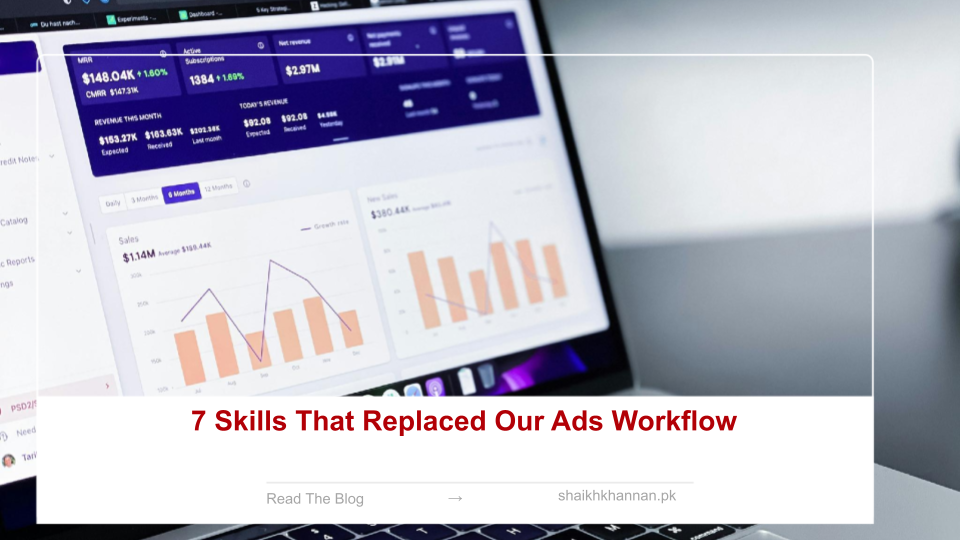
Seven automated skills quietly took over our entire Google and Meta ads workflow, and the biggest change wasn’t speed — it was consistency.
How they actually work
Connect your accounts once, and each skill runs on command from there. Claude reads the live account and executes the same saved routine every time, no exporting spreadsheets or bouncing between platform tabs. Type the skill name and it runs across both platforms.
The seven skills
Search term cleanup pulls terms with high spend and zero conversions and marks them as negatives automatically, so wasted spend drops fast. Pause underperformers runs daily against your CPA threshold and pauses anything missing the target. Budget pacing flags accounts running outside the 80–110% range so anomalies get caught early instead of at month-end. Full account audit reviews campaigns, keywords, tracking, and structure in about five minutes. Client reports compile spend, CPA, ROAS, and top campaigns in roughly two minutes. Scheduled pauses let you set recurring off-times — Friday evenings, say — that run without manual intervention. And cross-platform pull puts Google and Meta side by side with a single command.
Why the automation matters more than it sounds
The real value isn’t the time saved, though that’s real too — it’s that the same rules get applied the same way every time, across every account and every team member. That said, automation is only as good as the thresholds behind it; loose or outdated rules turn into noise fast, so they need periodic review rather than being set once and forgotten.
Platform resources
Google Ads Help and Meta Business Help are both worth bookmarking for account management best practices, and Anthropic has more on what Claude can do generally.
What actually changed for us
We stopped rebuilding the same prompts before every task, which meant execution became repeatable instead of ad hoc. Teams stopped double-checking outputs out of habit, clients started getting reports on time instead of chased down, and issues got fixed faster because pacing and CPA problems surfaced automatically instead of waiting for someone to notice.
If you want to build your own
Start by mapping the tasks you actually repeat every week, then build and test one skill at a time on a small account before rolling it out further. Connect your accounts securely up front — retrofitting permissions later is more painful than doing it right the first time. Trying to automate everything in one go is usually where these projects stall.
Related reading on this blog:
- Claude Builds Ads Dashboards Fast
- Anatomy of a High-Converting Meta Ad
- How the 1% Advertiser Wins Consistently
- One-Click Claude Connector for Google & Meta Ads
- Claude + MakeUGC + Seedance Hyper-Realism
Seven skills, applied consistently, ended up replacing an entire manual workflow — and freed up the time that used to go into busywork for actual strategy instead.